TL;DR:
- Workflow automation companies replace manual processes with software to boost efficiency and reduce costs. Choosing the right platform depends on understanding operational thresholds, governance features, and your scalability needs. Starting with low-volume, rule-based tools helps organizations learn their true workflow requirements before scaling to AI-native solutions.
Workflow automation companies are defined as technology vendors that replace manual, repetitive business processes with software-driven execution, connecting people, systems, and data through a single orchestration layer. The right platform delivers efficiency gains of up to 60% and cost reductions of up to 80%, with ROI measured in days rather than months. That scale of impact explains why business professionals and managers are treating automation vendor selection as a board-level decision in 2026. The challenge is not finding a platform. The challenge is finding the right one before you hit a capability cliff that forces a costly migration.
What are the key features to evaluate in workflow automation companies?

The most important criterion is not the feature list. The most important criterion is the operational threshold at which a platform stops performing well. Every platform has a capability cliff, defined as the point where performance degrades or cost escalates sharply. Knowing where that cliff sits before you sign a contract is the single most valuable piece of due diligence you can do.
Beyond thresholds, evaluate these feature categories:
- Governance and compliance. Enterprise automation platforms must treat governance as a design principle, not an add-on. Look for built-in audit trails, role-based access control (RBAC), and certifications like SOC 2 and HIPAA. Governance by design prevents costly retrofitting and eliminates shadow IT risk.
- AI-native versus rule-based execution. Rule-based platforms require you to manually configure every trigger, retry, and error handler. AI-native platforms reason through edge cases and adjust dynamically, reducing management overhead significantly.
- Integration depth. Count the number of native connectors to your existing enterprise systems, including your ERP, CRM, and HRIS. Shallow integrations create data silos that undermine the entire automation investment.
- No-code and low-code development. Non-technical managers need to build and modify workflows without engineering support. Platforms with visual builders and pre-built templates accelerate adoption and reduce IT dependency.
- Deployment speed. Some vendors offer structured AI automation packages that deploy AI agents in 7 weeks. That timeline matters when you are under pressure to show results.
- Cost structure. Understand whether pricing is per run, per user, or per workflow. At high operational volumes, self-hosted platforms often deliver a lower total cost of ownership, provided your team has the ops capacity to manage them.
Pro Tip: Request a pricing simulation at 3x your current monthly run volume before signing. Most capability cliffs become visible only when you model growth, not current state.
10 types of workflow automation platforms and what sets them apart
The market for business process automation solutions is broad. These ten platform categories represent the full spectrum of what managers encounter when evaluating automated workflow services.
-
Enterprise orchestration platforms. These platforms treat automation as a company-wide operating system. They connect people, AI agents, and enterprise systems through a unified governance layer. They suit organizations running thousands of workflows across multiple departments.
-
AI-native automation platforms. Built from the ground up with machine learning at the core, these platforms handle judgment-heavy tasks that rule-based systems cannot. They reduce the manual configuration burden and adapt to process changes without full rebuilds.
-
Rule-based integration platforms. The original category of workflow management systems, these tools connect apps through defined triggers and actions. They work well below 500 monthly runs and are the right starting point for teams new to automation.
-
Low-code process builders. Designed for business users rather than developers, these platforms use drag-and-drop interfaces and pre-built templates. They accelerate deployment and lower the barrier to process ownership for non-technical managers.
-
Cloud-based workflow automation suites. Hosted entirely in the cloud, these platforms offer fast setup, automatic updates, and pay-as-you-go pricing. They are the default choice for distributed teams and organizations without on-premise infrastructure.
-
Self-hosted automation engines. At very high operational volumes, self-hosted platforms deliver a lower total cost of ownership than cloud-based alternatives. The trade-off is that they require internal ops capacity and governance maturity to run safely.
-
AI agent deployment platforms. A newer category focused specifically on deploying autonomous AI agents into business processes. The best vendors in this space offer structured onboarding programs that compress implementation timelines to weeks rather than quarters.
-
Process mining and digital twin platforms. These tools map your existing processes before automation begins. They build a governed digital twin of operations, which is a prerequisite for scaling AI agents without compliance risk.
-
Vertical-specific automation platforms. Built for a single industry such as healthcare, finance, or logistics, these platforms come pre-loaded with compliance frameworks and industry-specific connectors. They trade flexibility for speed to compliance.
-
Hybrid orchestration platforms. These platforms combine rule-based reliability with AI-driven exception handling. They suit organizations transitioning from legacy automation to AI-native workflows without a full platform replacement.
How to match workflow automation companies to your business needs
The most common mistake managers make is selecting a platform based on features rather than anticipated operational volume. Starting below 500 monthly runs to learn your real workflow needs before committing to an enterprise contract is the approach that consistently produces better long-term outcomes.
Matching a platform to your business requires honest answers to four questions:
- What is your current monthly run volume, and what will it be in 18 months? Forecast conservatively. Platforms like entry-level integration tools hit performance limits near 5,000 monthly runs. Mid-tier platforms with complex workflow limits around 50 concurrent workflows create a different kind of ceiling. Know which ceiling you will hit first.
- Are your processes linear or judgment-heavy? Linear processes with predictable inputs work well on rule-based systems. Processes that involve exceptions, approvals, or unstructured data require AI-native platforms that can reason across steps.
- What are your compliance obligations? Regulated industries need SOC 2, HIPAA, or GDPR compliance built into the platform from day one. Retrofitting governance after deployment is expensive and often incomplete.
- Do you have a governed process foundation? Many organizations lack the unified operational foundation needed to scale AI automation. Before deploying AI agents, you need a documented, governed view of your existing processes.
Pro Tip: Map your top five processes end-to-end before evaluating any vendor. Platforms that look equivalent on a feature sheet often diverge sharply when applied to your specific process complexity.
Deployment timing also matters. Structured AI automation packages from enterprise vendors can compress initial deployment to seven weeks. That speed only holds if your internal process documentation and data governance are already in order. Without that foundation, even the fastest vendor will stall.
Comparing governance and feature categories across automation platforms
The table below compares the key feature categories that differentiate workflow optimization software at the enterprise level. Use it as a decision checklist, not a vendor ranking.
| Feature category | Rule-based platforms | AI-native platforms | Enterprise orchestration |
|---|---|---|---|
| Governance and audit trails | Basic logging | Built-in audit trails | Full RBAC, SOC 2, HIPAA |
| Exception handling | Manual configuration required | Autonomous reasoning | Policy-based with human-in-loop |
| Integration scope | App connectors (100–500+) | API-first with AI connectors | Enterprise systems (ERP, CRM, HRIS) |
| No/low-code development | Visual builder | AI-assisted builder | Enterprise-grade visual studio |
| Deployment speed | Hours to days | Days to weeks | 7–12 weeks with structured programs |
| Operational threshold | Up to 5,000 monthly runs | Scales with model capacity | Unlimited with governance controls |
| Cost model | Per run or per task | Per agent or per outcome | Enterprise license or consumption |
The governance column is the most important differentiator for regulated industries. Effective enterprise automation treats the workflow platform as an orchestration layer with governance built in from inception, not bolted on after deployment. That distinction separates platforms that scale safely from those that create compliance debt.
Key Takeaways
The best workflow automation companies combine operational scalability, AI-native execution, and governance by design to deliver measurable efficiency gains without creating compliance risk or capability cliffs.
| Point | Details |
|---|---|
| Know your capability cliff | Identify the operational threshold of any platform before signing, not after you hit it. |
| Governance must be built in | Audit trails, RBAC, and compliance certifications should be native features, not add-ons. |
| Start below 500 monthly runs | Learn your real workflow needs at low volume before committing to an enterprise contract. |
| AI-native beats rule-based at scale | AI-native platforms handle exceptions and edge cases that rule-based systems require manual fixes to address. |
| Process documentation comes first | A governed digital twin of your operations is a prerequisite for deploying AI agents safely. |
Why I think most managers pick the wrong automation platform
After watching dozens of automation rollouts, the pattern is consistent. Managers evaluate platforms at a demo, get impressed by the AI features, and sign a contract sized for where they want to be in three years. Then they spend the first year fighting a tool that is too complex for their current process maturity.
The uncomfortable truth is that most organizations are not ready for AI-native automation. They have undocumented processes, inconsistent data, and no governance framework. Dropping an enterprise orchestration platform on top of that foundation does not fix the underlying problems. It amplifies them.
The managers who get automation right do the boring work first. They document their top ten processes. They assign ownership. They build a simple governance policy before they touch a vendor. Then they start with a rule-based tool at low volume, learn where the real friction is, and upgrade deliberately.
The seven-week AI agent deployment promise is real, but only for organizations that already have their process house in order. For everyone else, that seven weeks becomes seven months. The vendor is not lying. The organization just was not ready.
My advice is to treat your first automation platform as a learning investment, not a production system. Pick something simple, run it at low volume, and let your actual workflow data tell you what you need next. That approach consistently outperforms the feature-first selection process that most procurement teams default to.
— Karl
Klaritea and the planning layer that automation companies skip
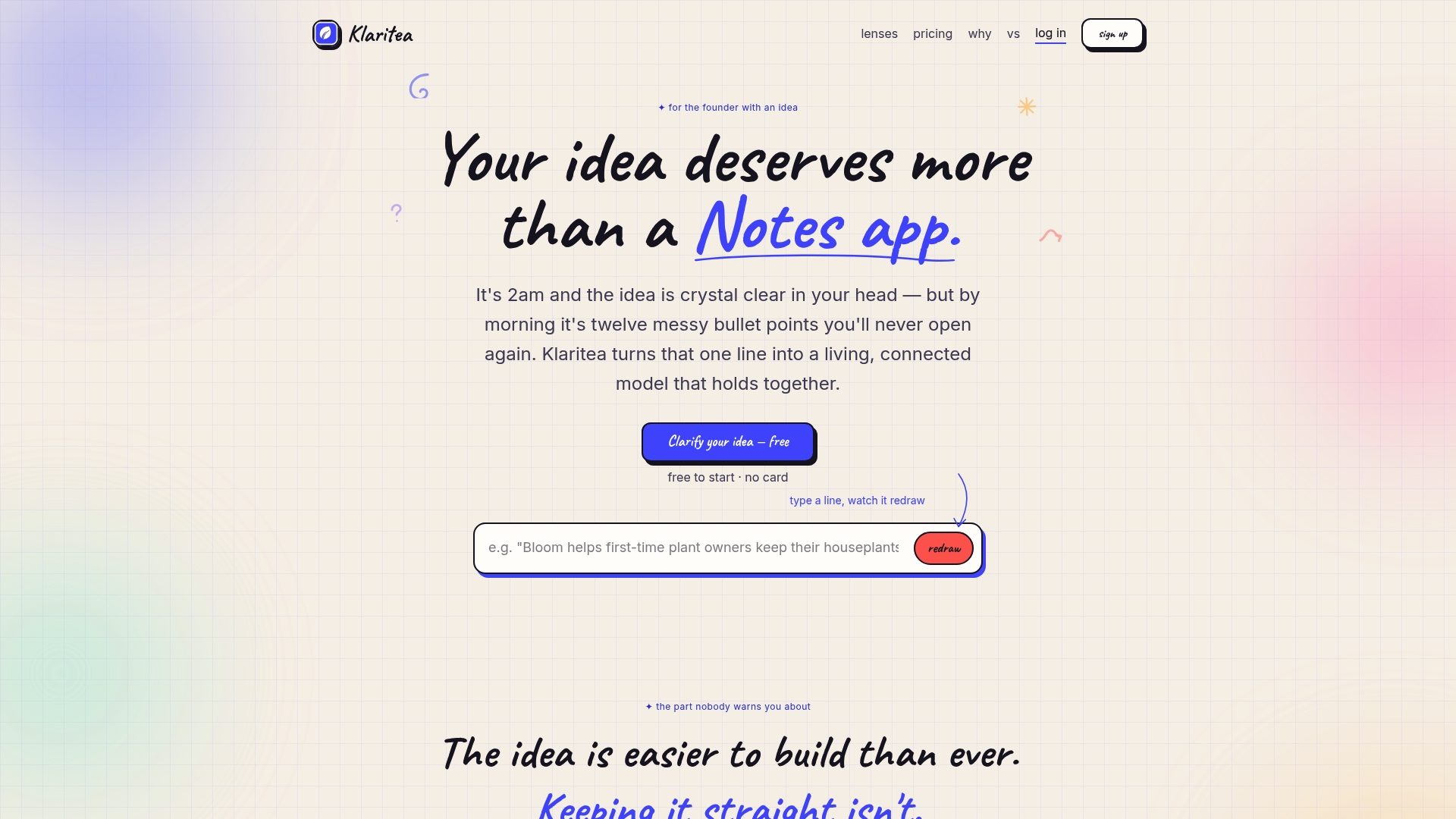
Every workflow automation platform assumes you already know what you are building. Klaritea fills the gap that comes before vendor selection. You type a one-line description of your idea or process, and Klaritea builds a structured model covering scope, market fit, features, requirements, and a build spec. Three AI advisors, Maya on marketing, Devon on business, and Priya on ops and QA, research and challenge your assumptions before you commit budget. If you are evaluating workflow automation options and want clarity on what you actually need to build first, Klaritea gives you that foundation. Visit Klaritea to turn a fuzzy idea into a shipped product.
FAQ
What do workflow automation companies actually do?
Workflow automation companies provide platforms and services that replace manual business processes with software-driven execution. They connect enterprise systems, people, and AI agents through a single orchestration layer to reduce errors and increase throughput.
What is a capability cliff in workflow automation?
A capability cliff is the operational threshold where a platform's performance degrades or its cost escalates sharply. Entry-level integration platforms typically hit this limit near 5,000 monthly runs, forcing a migration to a more capable system.
How long does it take to deploy a workflow automation platform?
Deployment timelines range from hours for simple rule-based tools to 7–12 weeks for enterprise AI agent packages. The actual timeline depends on your process documentation and governance readiness, not the vendor's implementation speed.
When should a business choose an AI-native platform over a rule-based one?
Choose an AI-native platform when your processes involve exceptions, unstructured data, or judgment-heavy decisions. Rule-based platforms require manual configuration for every edge case, while AI-native systems reason through them automatically.
What governance features should a workflow automation platform include?
Enterprise platforms should include role-based access control, full audit trails, and compliance certifications such as SOC 2 and HIPAA. These features must be native to the platform, not available only through third-party add-ons.