Keeping startup planning, validation, and project tracking connected is hard when switching between disconnected tools and manual updates. Many alternatives push founders into fixed-price plans, require complex configuration, or lack a live model that connects tasks, evidence, and milestones. This guide compares price models, planning features, and automation in five startup project software alternatives so founders can match a tool to their workflow and early stage needs.
Table of Contents
Klaritea
At a Glance
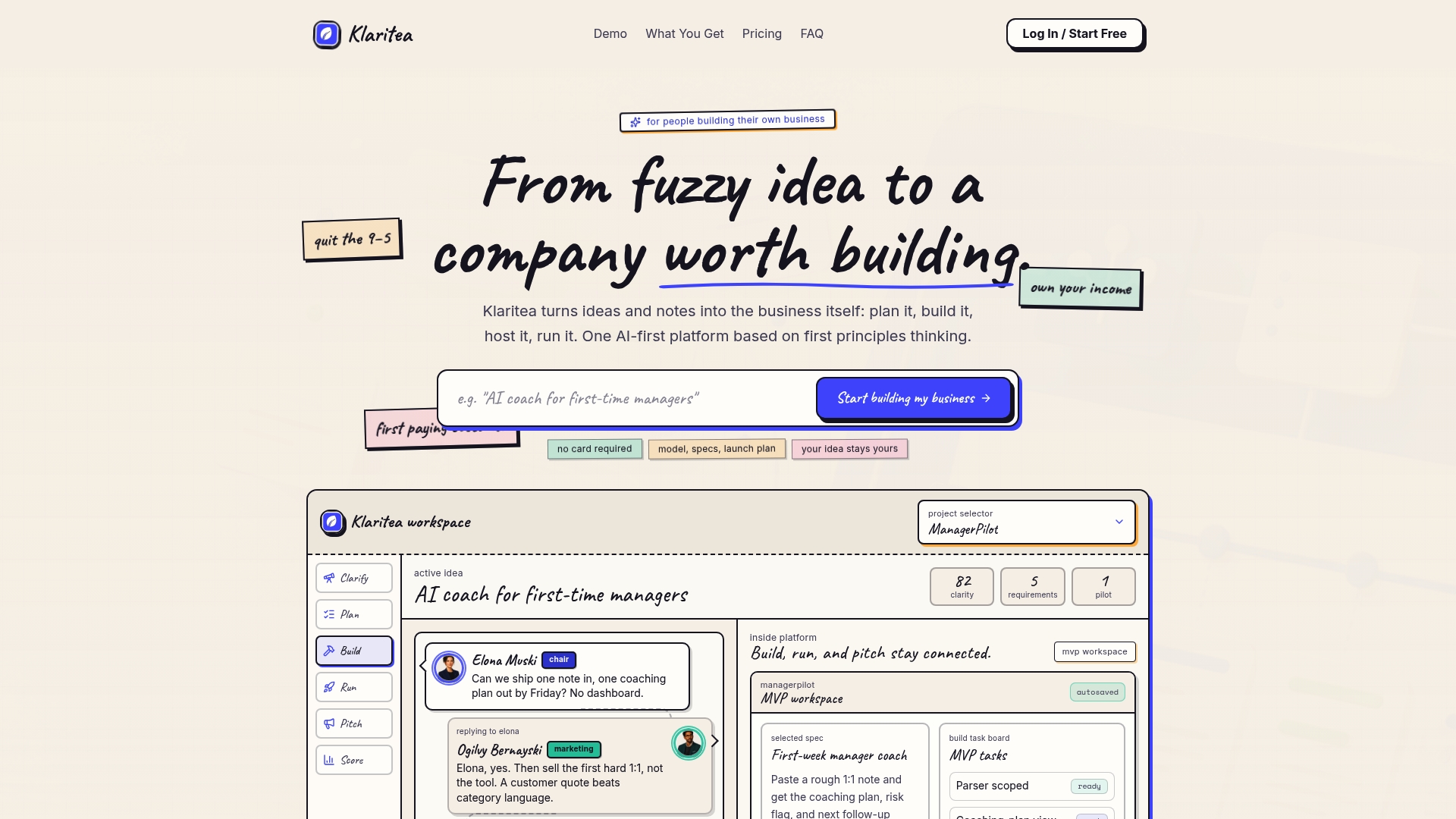
Type a one line idea and Klaritea builds a live, traceable business model linking ICP, market, competitor analysis, features, and a build spec.
It keeps validation, planning, and pitch elements connected so changes in one place update the rest.
Core Features
A connected business model editor maps offer, customer segments, market wedge, and feature requirements into a single live view.
A built in customer engine surfaces pains, triggers, and proof points for each ICP.
Roadmaps include specs, hosting considerations, and launch order so you move from planning to a buildable spec.
Key Differentiator
Single connected platform that maintains a live, traceable business model integrated with validation, planning, and pitch stages.
The live model links requirements, customer evidence, and launch story so edits cascade across plans.
Pros
It helps you build, validate, and plan an entire business without stitching together multiple tools.
The live business model stays connected to planning and build roadmaps so requirements and customer evidence remain traceable.
The workflow avoids long onboarding tours and cluttered tabs, and the pricing model lets you pay only for work completed via metered credits.
That connection shortens decision loops and reduces wasted engineering time.
Flexible and transparent pricing reduces wasted spend during validation.
The interface keeps the model visible so stakeholders see how assumptions map to features.
Cons
- Limited automation. Manual steps are emphasized, so the tool is not a full automation suite.
Who It's For
Solo founders who need a single workspace to turn notes into a buildable company model will get the most value.
It fits founders focused on validation, launch strategy, and keeping customer evidence tied to requirements.
Teams seeking hands off automation will find gaps, but small teams testing many ideas will benefit.
Unique Value Proposition
Metered credits for agent work and easy top ups make cost incremental rather than fixed.
That pricing keeps early experiments cheap so you can validate multiple ideas before committing to a build.
For founders with tight budgets, incremental costs beat large upfront build spending.
Real World Use Case
A solo entrepreneur types a fuzzy idea, maps customer pains and proof points, and defines the core offer in the same model.
They produce a build roadmap and launch story without exporting notes across five apps.
This approach shortens the time between idea and customer feedback and keeps requirements traceable during interviews.
Pricing
Start free and upgrade when it clicks.
Plans list Free at $0, Klaritea at $19/month, and Pro at $99/month.
Agent work uses metered credits with simple top ups so you only pay for the help you use.
Website: https://klaritea.app
Raydian
At a Glance
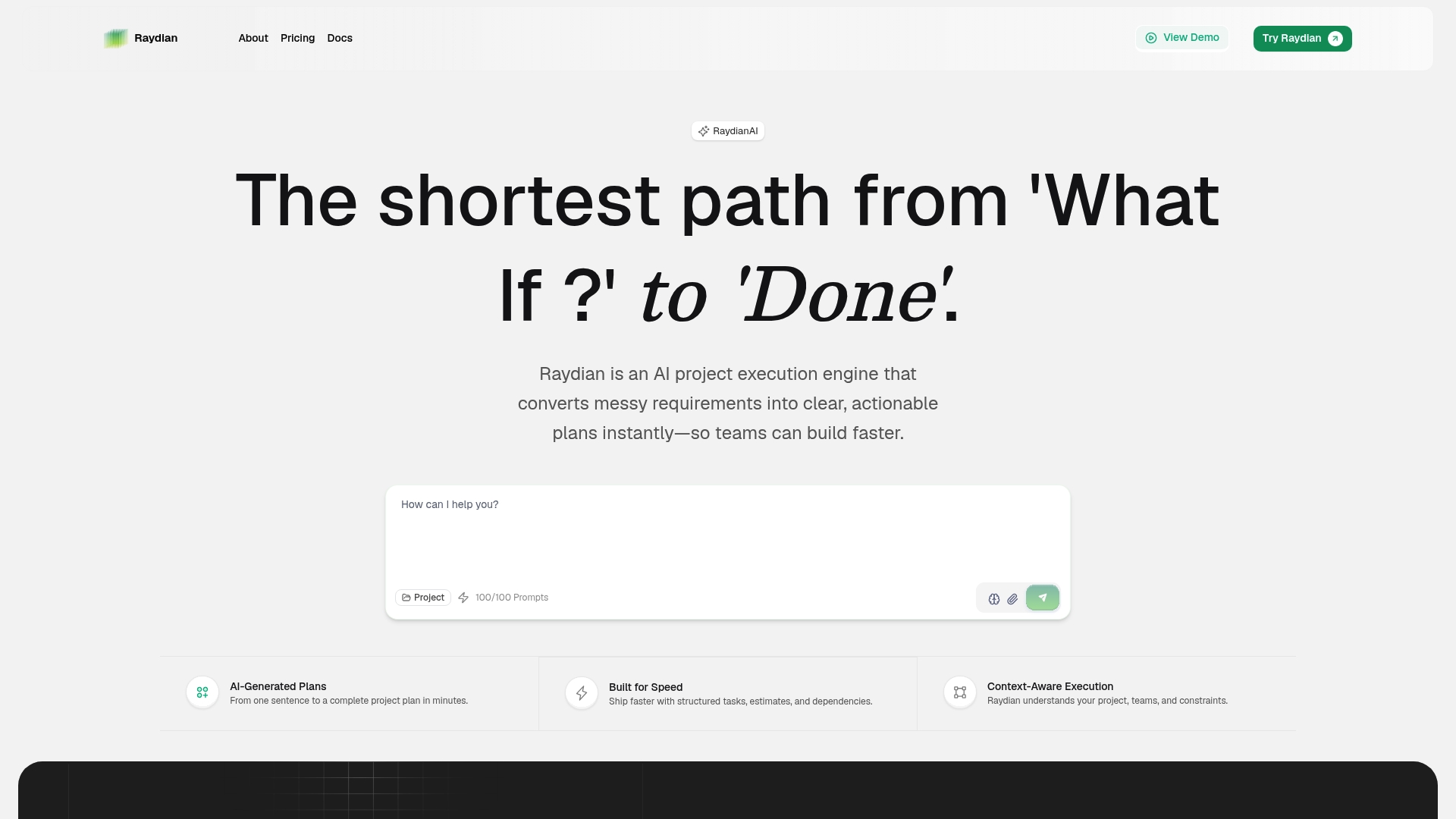
According to the company, Raydian can generate a complete project plan from a single sentence of input. That claim targets teams that want to skip manual breakdowns. Raydian pairs instant task generation with live progress tracking and dependency detection to keep plans visible and actionable.
Core Features
Raydian converts brief requirements into AI-generated project plans, then builds visual roadmaps for quick context. The tool offers real-time progress updates, smart dependency mapping, and bottleneck detection while supporting structured sprint planning and internal comments. These pieces connect planning and execution so teams can move from idea to tasks faster.
Key Differentiator
The standout is the vendor claim of full plan output from minimal input. That capability shortens the planning phase and reduces manual task writing. For teams that value speed over handcrafted plans, that claim defines Raydian as a planning-first engine rather than a generic task board.
Pros
Raydian markets itself as a solution that removes planning bottlenecks by producing tasks and roadmaps automatically. Its instant plan generation and AI roadmaps cut the time founders spend writing requirements. Real-time progress tracking and dependency mapping help teams spot blockers before sprints stall. The product also positions itself for teams of many sizes, which may simplify adoption from small startups to larger groups.
Cons
- No independent reviews are available. That gap leaves user experience and long term reliability unclear.
- The product data does not discuss customization limits. Complex, niche workflows may need manual refinement.
- AI accuracy and edge case handling are not detailed. You may need human oversight for unique technical projects.
When It May Not Fit
If your project needs bespoke workflows or domain-specific checks, Raydian may not provide enough manual control. Teams that require audited, third-party-verified reliability should treat the lack of public reviews as a risk. Organizations planning highly regulated or specialized work will likely need additional human planning and validation.
Who It's For
Startup founders and project managers who want fast, structured planning without long kickoff meetings will find Raydian relevant. Product teams that iteratively validate ideas and need quick task lists benefit most. Large enterprises that demand extensive customization or formal vendor validation may prefer other options.
Real World Use Case
A two‑person startup types a one-line product concept into Raydian and gets a multiweek roadmap with prioritized tasks. The team uses built-in dependency maps to schedule a two-week sprint and track progress in real time. That setup removes hours of manual planning and keeps execution focused on delivery.
Website: https://raydian.ai
PROJECT01
At a Glance
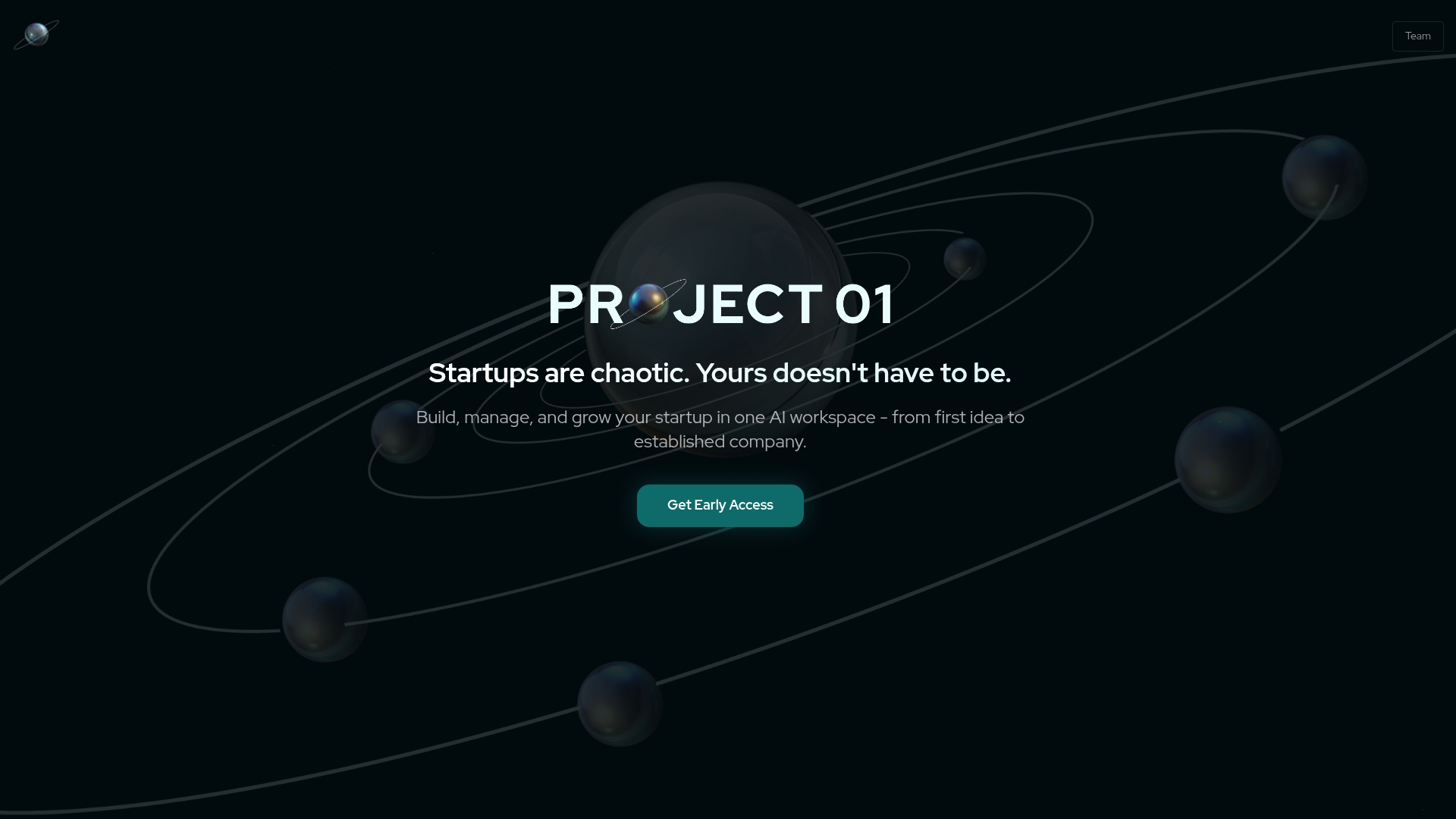
A planetary themed map visualizes a startup's milestones and progress stages in a single view. That visual map connects tasks, documents, and milestones so members see context at a glance. The platform also shares real time signals with investors and mentors to reduce manual status updates.
Core Features
PROJECT01 combines a visual map with a centralized member space that holds startup data, tasks, and milestones. It offers step by step workflows that pair how to build with short educational content so founders learn while they act. Perspective views for founders, investors, incubators, and mentors are listed as coming soon.
Key Differentiator
The standout feature is the interactive startup map that ties progress to a visual, planetary metaphor. That map links milestones to live updates and stakeholder signals so mentors and investors can follow progress without separate reports. For programs that manage cohorts, this approach makes progress easier to compare across startups.
Pros
The platform gives teams a visual structure that replaces scattered spreadsheets and chat threads, which reduces context switching for members. Real time progress sharing cuts down on manual reporting between founders and mentors, and the included educational content helps early founders learn practical steps as they move from idea to scale. The single workspace approach keeps milestone tracking, documentation, and stakeholder updates together.
Cons
-
No third party reviews are available to validate member experience. This limits independent signals about stability and adoption.
-
Pricing details and specific integrations are not listed, which makes procurement planning harder for programs on a budget.
-
Several features, including multi perspective views, are not yet fully available to all member roles.
When It May Not Fit
If you require verified member testimonials before adoption, this product will feel risky because external reviews are scarce. If your program needs a long list of ready integrations to connect existing tools, the lack of listed integrations is a real gap. If you need fully mature multi role controls right away, the platform may not meet that requirement yet.
Who It's For
Founders in early stages who prefer a visual, structured way to plan milestones will get the most value. Incubators and accelerators that manage cohorts and want quick visibility into each startup's status will find the map useful. Mentors and investors who want lightweight, continuous signals rather than periodic reports will appreciate the shared updates.
Real World Use Case
A founder sets quarterly goals on the planetary map and links tasks to each milestone. Mentors subscribe to the startup and receive automatic progress signals when tasks are completed. Investors use the shared updates to decide whether to onboard a follow on conversation without requesting a formal deck or status email.
Website: https://project01.io
Project Simple
At a Glance
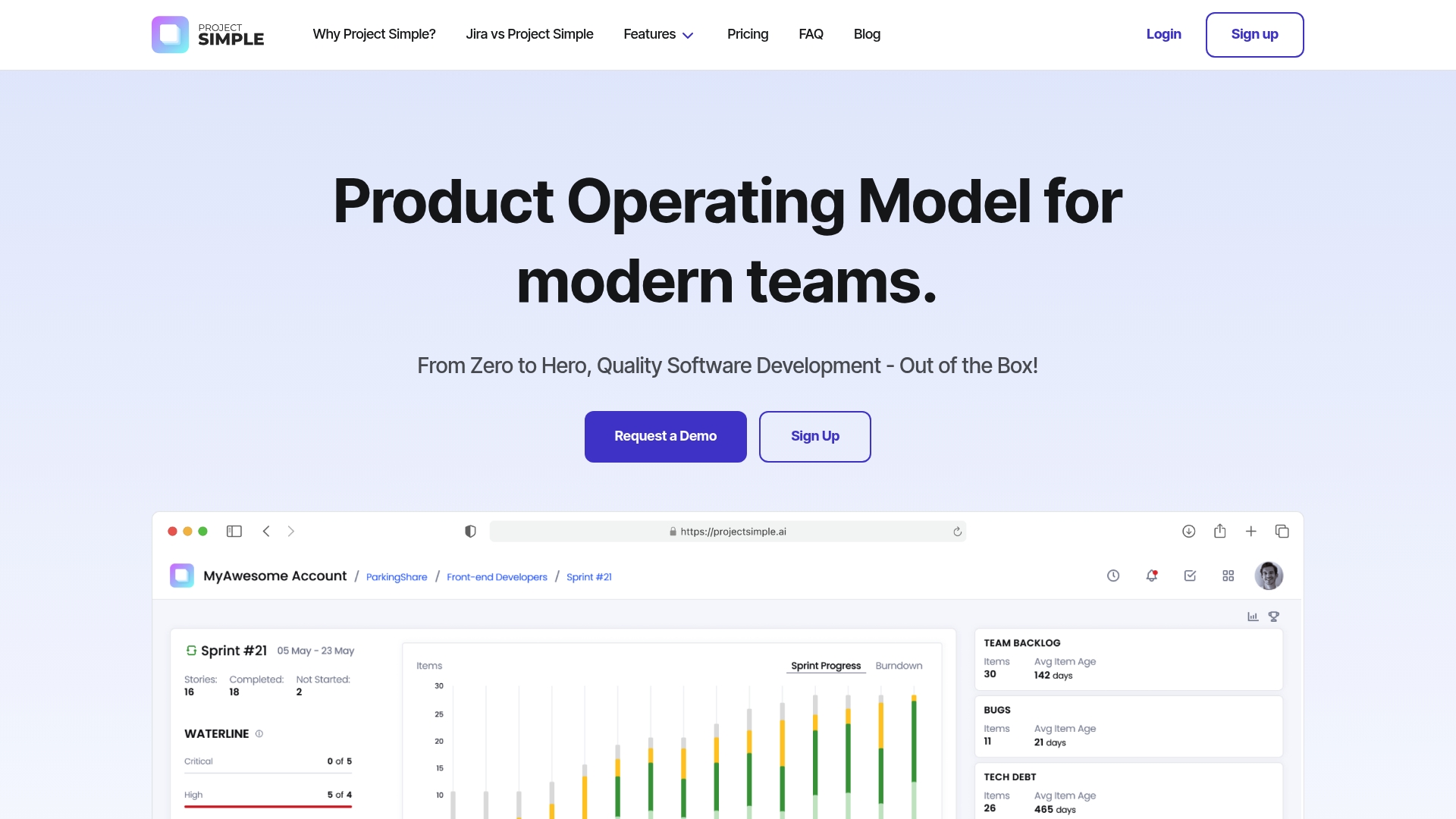
Project Simple's marketing materials state the platform requires zero configuration and includes AI features at no extra AI token cost. The vendor advertises real-time dashboards and integrated quality gates that aim to replace a stack of plugins. That positioning targets teams that want a ready-to-use project management environment with built-in delivery controls.
Core Features
Project Simple consolidates project planning, software delivery, analytics, and quality management into a single, ready-to-use platform. It offers real-time project dashboards, centralized backlog management, work item breakdowns, and sprint analytics that keep work visible across multiple teams. Built-in retrospectives and quality gates connect delivery metrics to defect tracking and tech debt workflows.
Key Differentiator
The clearest difference is the claim of a configuration-free setup paired with integrated AI forecasting that is provider neutral. That combination intends to let engineering teams start reporting on risk and delivery timelines without assembling multiple tools. For organizations that dislike extensive setup, that single-vendor approach can shave weeks of tooling work.
Pros
Immediate cross-team clarity comes from the unified dashboards and backlog view, which reduces time spent hunting for status updates. The product promises cost savings by removing configuration and plugin management, which lowers operational overhead for small admin teams. Built-in quality discipline links defects, tech debt, and sprint outcomes so product managers see tradeoffs during planning. Including AI features without additional token billing simplifies vendor management for teams that want forecasts without separate AI contracts.
Cons
- Limited public reviews or user feedback exist, which makes independent validation harder.
- The company does not list detailed enterprise customization or on-prem options, so complex regulatory requirements may need discussion.
- Large organizations with deep existing toolchains could face migration planning and data mapping work.
Who It's For
This product suits large organizations and enterprises that want an out-of-the-box project management platform with unified delivery controls. It also appeals to engineering leaders who want AI-assisted forecasting without managing separate AI billing. Startup teams that already rely on a varied toolchain may find the single-vendor approach less complementary.
Real World Use Case
A large software company coordinates multiple product teams using Project Simple to align roadmaps and sprints. Team leads use the dashboards to spot rising defect trends, and product managers use the forecasting to prioritize technical work. The integrated retrospectives close the loop between delivery metrics and process changes.
Pricing
Pricing is not listed publicly. The vendor states pricing and licensing details are available by contacting sales or requesting a demo. Expect an enterprise sales process for detailed quotes and deployment options.
Website: https://projectsimple.ai
Hermiis
At a Glance
Plans start at $139/month for up to 10 users. Hermiis merges GitHub activity, docs, tasks, and decisions into a live knowledge graph you can query. That structure yields context aware task suggestions and traceability across features and releases.
Core Features
The platform links kanban boards, feature records, decisions, markdown docs, and GitHub activity into a unified graph. It lets you organize work as prioritized features with status tracking and markdown descriptions. It supports drag and drop kanban tasks, role based access controls, live knowledge graph visualization, AI search, and AI suggestions for Architectural Decision Records.
Key Differentiator
Hermiis ties code activity and product artifacts into a single, navigable graph. The system detects decisions automatically and surfaces AI suggestions that connect commits, docs, and tasks. That focus gives engineering teams direct traceability from code changes to shipped features.
Pros
Deep code context and AI driven insights reduce time spent chasing context when investigating bugs or planning work. The platform unifies tasks, decisions, documents, and analytics so teams view one source of truth for feature delivery. Flexible workspaces, role based access, and an API let teams adapt Hermiis to existing processes and automations.
Cons
- No third party reviews are available, so independent confirmation of user satisfaction is missing.
- Website content was unavailable during research, which limits public detail on feature depth and user experience.
- Pricing and plan limits are described at a high level only, without granular feature comparisons per tier.
When It May Not Fit
If your procurement process requires peer reviews or case studies, this product lacks that independent evidence. Teams that need a public knowledge base of user feedback will have to pilot internally before rolling out. Large organizations that require documented customer references or audited performance data should request pilot results and references first.
Who It's For
Engineering teams that want planning with code context and traceability will find Hermiis a close fit. Product managers who need linked decision records and feature analytics will value its context first model. Startup founders assessing early engineering process improvements can use Hermiis to reduce rework and clarify technical tradeoffs.
Real World Use Case
A development team connects GitHub, docs, and decisions so a bug patch shows which features and ADRs it affects. Product managers then generate context aware tasks from code activity and track feature velocity across sprints. That flow speeds impact analysis and helps plan safer rollouts with traceability to shipped commits.
Pricing
Pricing starts at $139/month for up to 10 users and includes three boards. Plans scale to larger teams and enterprise needs, with pricing by seat and expanded features. Confirm exact limits and add ons with sales before committing to a plan.
Website: https://hermiis.com
Comparison of alternatives
Klaritea provides the unique ability to maintain connected traceability throughout the business model lifecycle, distinguishing it from competitors. This feature enables founders to efficiently evolve their ideas while connecting planning stages to execution.
Evaluating Contextual Workflow Integration
Compared to competitors, Klaritea offers a distinct advantage in comprehensively linking planning, validation, and execution stages within its live business model feature. Raydian, while excelling at instant project plan generation, lacks Klaritea's interconnected update mechanism across its tools. Project Simple highlights dashboard simplicity but focuses less on the interlinked transitions critical for iterative idea development.
Specialized Technical Capabilities
Teams with technical focus may find Hermiis the preferred tool due to its uniquely effective live knowledge graph. This feature integrates tasks, commitments, and coding activity, providing engineering teams traceability across feature releases — a strong edge for projects requiring deep technical context. PROJECT01's visual orientation is particularly suited for early-stage founders seeking quick milestone alignment, yet its reliance on metaphor-based presentation limits broader application scalability.
Best fit
- Founders seeking to validate ideas affordably and incrementally will benefit most from Klaritea's cost-conscious metered credits system and integrated business model approach.
- Teams preferring simplicity and instant project creation may find Raydian's fast input-to-output translation streamlined for rapid task formation.
- Engineering-focused teams needing project management integrated with code activity stand to gain from Hermiis’s live knowledge graph.
Our pick
Klaritea shines for founders needing an affordable, integrated workspace for business planning, featuring a live model linking validation, requirements, and execution. While technical teams requiring detailed code traceability might opt for Hermiis, Klaritea remains the ideal tool for iterative, traceable business planning support.
To determine which platform aligns best with your planning needs, the following table outlines key features for comparison:
| Product | Core Feature | Key Differentiator | Pricing | Notable Limitation |
|---|---|---|---|---|
| Klaritea | Connected business model mapping | Live, traceable model for continuous updates | Free/$19/$99 per month | Limited automation emphasized over full suite |
| Raydian | AI-generated project plans | Instant task generation from minimal input | Price not published | Lack of independent reviews or external validation |
| PROJECT01 | Interactive milestone tracking | Planetary-themed progress visualization | Price not published | Limited integration details available |
| Project Simple | Unified project planning and quality management | Zero configuration setup | Price not published | Limited public validation and customization options |
| Hermiis | Live knowledge graph integration with GitHub | Code-to-feature traceability model | $139/month for 10 users | Scarce public insights on feature depth |
How Can Founders Avoid Costly Startup Project Management Missteps?
Many startup founders struggle with scattered tools and unclear business models. This challenge often leads to wasted effort and costly app builds that fail to return value. Klaritea tackles this problem by transforming a simple idea into a connected, traceable business model. It helps founders link customer segments, markets, features, and build plans in a single platform before starting any coding.
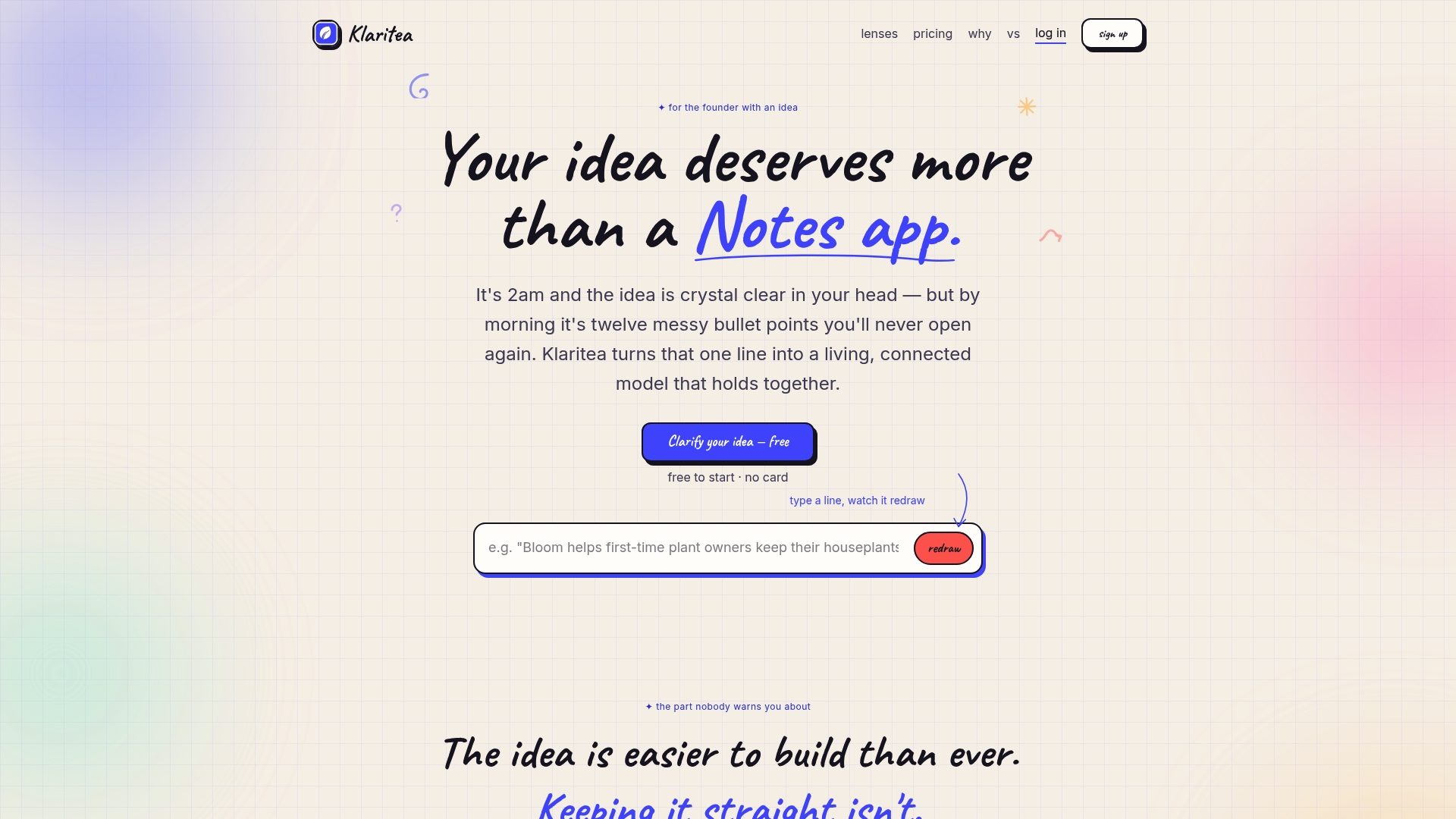
If you want to stop costly development missteps and keep customer evidence tied to your requirements, visit Klaritea. Type your one-line idea and receive a structured model with AI advisors that fact-check your plan. Get a build spec, market analysis, and pitch-ready reports without juggling multiple apps.
FAQ
What features does Klaritea offer for startup project management?
Klaritea helps you build a live business model that connects validation, planning, and pitch elements. It features a connected business model editor that maps offer, customer segments, and requirements into a single view, allowing you to keep everything aligned as changes occur.
How does Klaritea compare to Raydian for project generation?
Raydian excels in generating comprehensive project plans from minimal input, which can streamline initial stages of project management. Klaritea, on the other hand, offers a more integrated approach by maintaining traceability of customer evidence and feature requirements, making it ideal for founders focused on validation and launch strategy.
Which feature in Klaritea supports individual business model development?
Klaritea includes a built-in customer engine that uncovers customer pains, triggers, and proof points for each Ideal Customer Profile (ICP). This feature helps founders better understand their target audience and aligns with their overall planning needs.
Does Klaritea have a transparent pricing model?
Yes, Klaritea offers a pricing model where you pay only for the work completed through metered credits. This approach allows startup founders to keep costs manageable, especially during early stages of validation when budgets may be tight.
How does Klaritea’s workflow avoid onboarding challenges?
Klaritea's workflow emphasizes simplicity and avoids long onboarding tours by providing an intuitive interface that keeps all essential information visible. This setup reduces the learning curve for new users and helps teams focus on execution.