Yes, use Notion as your startup's calm core workspace. Set up one workspace, create three core databases (roadmap, product specs, investor CRM), apply the Startup in a Box template, enable Notion AI, and you have a functional, AI-enabled home base in a single day. Before building anything, though, run your idea through Klaritea first. It structures your market, features, and build spec into a validated plan you can export directly into Notion, so you start with clarity instead of assumptions.
Quick launch checklist:
- One Notion workspace, one team, no duplicate pages
- Three databases: roadmap, specs backlog, investor CRM
- Startup in a Box template applied and pruned
- Notion AI enabled for drafting and meeting notes
- Klaritea export imported as your first versioned spec page
Table of Contents
- Why does Notion work so well for early-stage startups?
- How do you set up a calm core Notion workspace?
- Which templates should you use at each startup phase?
- How do you add AI and automations to your Notion workspace?
- When is Notion not enough, and where does Klaritea fit?
- What does it cost and how long does setup take?
- Key Takeaways
- The part most founders skip
- What Klaritea does before Notion takes over
- Useful sources
- FAQ
Why does Notion work so well for early-stage startups?
Industry analysts describe Notion as a flexible, no-code connected workspace that integrates wikis, project management databases, and AI documentation in one place. For a two- or three-person founding team, that consolidation matters more than any single feature. You stop toggling between Google Docs, Trello, Airtable, and Slack threads and start working from one source of truth.
Notion's relational databases are the real differentiator. Link a task in your roadmap to its spec page, its owner, and its target date. View the same data as a board, a timeline, or a calendar without duplicating anything. That kind of connected structure prevents the information fragmentation that kills early-stage velocity.

The trade-off is real: Notion rewards founders who invest a few hours upfront in structure. Skip that setup and you end up with a graveyard of half-finished pages. The calm core approach from productivity specialists addresses this directly: adopt one workspace before adding any specialized tools, and resist the urge to mirror every workflow you had before.
Pro Tip: Don't try to replicate your old tool stack inside Notion. Pick the three workflows that cause the most friction today, solve those first, and leave everything else alone for 30 days.
How do you set up a calm core Notion workspace?
A working calm core needs exactly seven elements. Here is the order that matters:
- Create one workspace with your company name. No personal workspaces bleeding into team work.
- Build a roadmap database with these properties: Status (select), Owner (person), Target Date (date), Effort (select: S/M/L), and Initiative (relation to specs).
- Build a product specs database with: Title, Status, Priority, Feature Area, and a linked Roadmap item.
- Build an investor CRM database with: Contact (title), Company, Status (select: Prospect/Warm/Committed/Passed), Committed Amount (number), Last Contact (date), and Notes (text).
- Apply Startup in a Box. Prune the pages you won't use in the next 60 days. Less is faster.
- Set permissions. Founders get full access; advisors and contractors get page-level guest access only.
- Add a backup routine. Export a full workspace backup weekly via Settings and schedule it on your calendar.
Pro Tip: Start with five or fewer custom properties per database. Every extra property you add now is a field you'll have to maintain in every automation you build later. Add properties when a workflow demands them, not before.
Notion's startup program offers eligible tech startups a free trial period on the Business Plan, which includes Notion AI. If you qualify through a partner accelerator, apply before you pay for anything.
Which templates should you use at each startup phase?
Start with Startup in a Box and activate only the pages relevant to your current phase. Cloning the entire Notion template gallery is one of the fastest ways to create a workspace nobody actually uses.
| Phase | Essential templates | Must-track properties |
|---|---|---|
| Ideation | Idea backlog, experiment log | Confidence score, status, owner |
| MVP | Roadmap, specs, sprint board | Priority, effort, target date |
| Fundraising | Investor CRM, deck tracker | Committed amount, status, last contact |
| Scaling | Hiring tracker, OKRs | Role, stage, key result, owner |
Notion's template marketplace includes project plans, Gantt timelines, RACI charts, and weekly status reports. Those four cover scope, schedule, ownership, and communication, which are the fundamentals for any early product sprint.
Pro Tip: Treat every template as a starting hypothesis, not a finished system. Document why each property field exists in a short comment on the database. When you can't explain a field's purpose six weeks later, delete it.
How do you add AI and automations to your Notion workspace?
Enable Notion AI first. It captures meeting notes automatically, generates launch copy, and surfaces context across your workspace when you ask it a question. Those three use cases alone justify the cost for most founding teams.
Then add integrations in this order:
- GitHub sync for developer handoffs: push spec pages to a linked GitHub repo so engineers always pull from the latest validated version.
- CRM sync via Zapier or Make: trigger a Notion database update when a deal stage changes in your CRM, so your investor pipeline stays current without manual entry.
- Slack notifications via Zapier: alert the team when a roadmap item moves to "In Review" or a spec page gets a new comment.
Productivity specialists estimate that founders who integrate AI across their stack save an estimated 8–12 hours per week on operational work like investor reporting and pipeline maintenance. The key condition: the AI needs contextual access across your stack. One well-connected integration beats five disconnected ones.
Pro Tip: Limit your first automation sprint to two endpoints. Validate that each flow runs cleanly for two weeks before adding a third. Broken automations that fire silently are worse than no automations at all.
When is Notion not enough, and where does Klaritea fit?
Notion is excellent at organizing and documenting what you already know. It is not built to help you figure out what you should build or whether the market actually wants it. That gap shows up in three specific situations: when you need structured TAM/SAM/SOM analysis, when you need a validated build spec with feature prioritization, and when you need an AI advisory layer that challenges your assumptions before you write a line of code.
Klaritea sits at that phase-0 stage. You type a one-line idea; it builds a connected model covering your ICP, market sizing, competitor landscape, feature set, and requirements. Three AI advisors (Maya for marketing, Devon for business, Priya for ops and QA) research and challenge the idea. The output is a build spec, clarity scorecards, and a structured report you can export directly into Notion or Confluence.
That export becomes your first immutable launch artifact inside Notion. Version it, lock it, and treat it as the baseline every future spec page references. When scope creep starts, you have a dated, validated document to return to.
Pro Tip: Import your Klaritea export as a locked, versioned page in Notion before you create any roadmap items. Name it "v1.0 Validated Spec — [Date]" and never edit it in place. Create a new version instead. This gives you an audit trail that investors and engineers both appreciate.
What does it cost and how long does setup take?
Expect 4–12 hours of initial setup to reach a usable calm core, depending on how much you prune the Startup in a Box template.
| Setup phase | Estimated hours | Likely Notion plan | Cost notes |
|---|---|---|---|
| Workspace + 3 databases | 2–4 hrs | Free | Sufficient for solo founders |
| Templates + permissions | 1–2 hrs | Plus (Business Plan) support | Needed for guest access controls |
| Notion AI + integrations | 2–4 hrs | Business ($15/mo per member) | Includes Notion AI; apply for startup credits first |
| Ongoing maintenance | 1 hr/week | Same plan | Weekly cleanup, quarterly template review |
Tech startups building scalable products can qualify for up to six months free on the Business Plan through Notion's startup program. Partner-affiliated startups get the full six months; non-partner startups meeting size and domain criteria typically receive three months. Apply before you pay.
Version history and page-level permissions are available on paid plans. For sensitive data like investor terms or cap table notes, keep those pages restricted to founders only and export a backup weekly.
Key Takeaways
Notion works as a startup's calm core when you set it up with discipline, connect Notion AI, and validate your idea with Klaritea before importing a single spec.
| Point | Details |
|---|---|
| Start minimal | Three databases (roadmap, specs, investor CRM) cover most early-stage needs. |
| Apply Startup in a Box | Use the template as scaffolding, then prune pages you won't touch in 60 days. |
| Enable Notion AI early | AI-integrated stacks save founders an estimated 8–12 hours per week on reporting and pipeline work. |
| Validate before you build | Notion organizes what you know; Klaritea structures what you need to figure out first. |
| Klaritea exports anchor your Notion | Import a versioned Klaritea build spec as your baseline before creating roadmap items. |
The part most founders skip
Most Notion setups I've seen fail the same way: a founder spends a weekend building an elaborate workspace, adds 15 custom properties to every database, wires up four Zapier automations, and then abandons the whole thing by week three because it's too brittle to maintain.
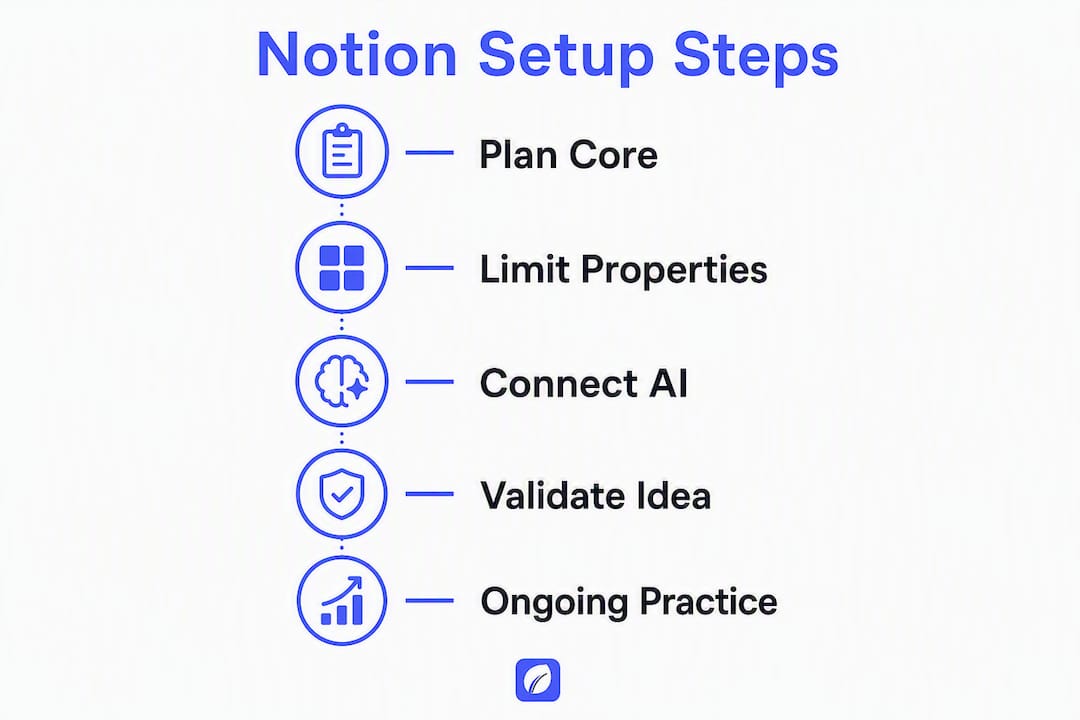
The mistake isn't using Notion. It's treating setup as a one-time project instead of an ongoing practice. The founders who get real value from it treat their workspace the way a good engineer treats a codebase: small, deliberate changes, a clear owner for the architecture, and a regular review cycle to cut what isn't being used.
The other thing most articles won't tell you: Notion can't validate your idea. It can document a bad idea beautifully. That's why the phase-0 step matters. Run your concept through a structured validation tool like Klaritea, get the clarity scorecard, then bring the output into Notion. You'll spend less time reorganizing pages and more time building something people actually want.
What Klaritea does before Notion takes over
Most founders open Notion before they've answered the hard questions: Who is this for? What does the market look like? What are the three features that actually matter? Klaritea answers those questions first.
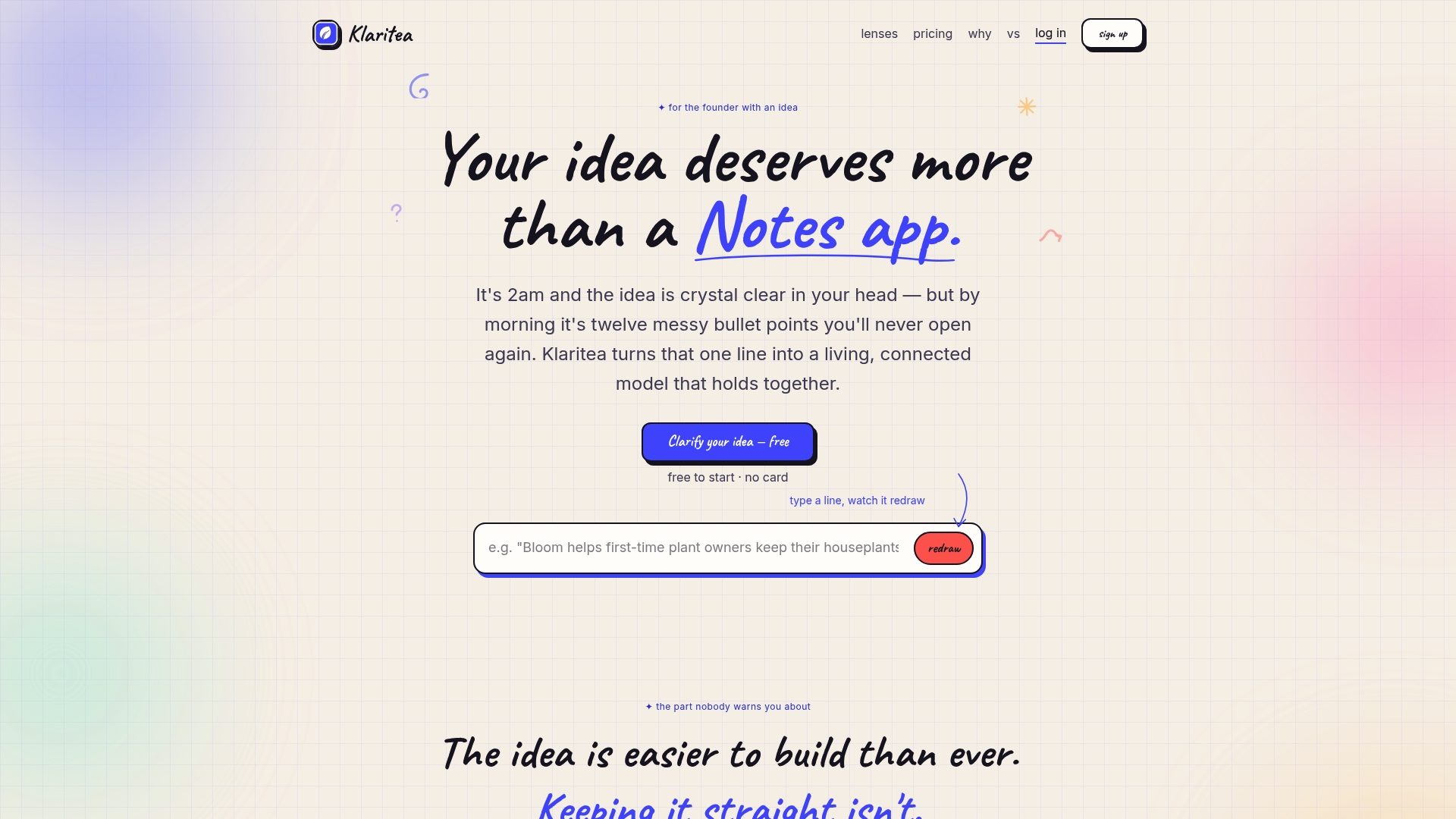
Type your idea in one line. Klaritea builds a structured model covering your ICP, TAM/SAM/SOM, competitor analysis, feature set, and build requirements. The three AI advisors challenge your assumptions, and the output exports directly into Notion as a versioned spec page. You get a validated plan ready for execution instead of a blank workspace.
For founders who want to go deeper on tool selection before committing to a full stack, the best startup tools guide covers when to stay in Notion and when to add specialized software.
Run one Klaritea clarity session, export the spec into Notion, and start your roadmap from a validated foundation.
Useful sources
- Notion startup program and application
- How to use Notion for your startup: Templates and more
- Notion for startups — Help Center eligibility guide
- Notion startup template marketplace
- Best productivity suites for startups — StartupBlink
- Productivity tools for startups — White Panther
- AI time savings for founders — HeyGaia
FAQ
Is Notion free for startups?
Notion's free plan covers solo founders and small teams, but the Business Plan (which includes Notion AI) can be free for up to six months for eligible tech startups through Notion's startup program.
What is the Startup in a Box template?
Startup in a Box is Notion's official template collection for early-stage companies, covering ideation, product planning, fundraising, and team scaling in a single connected workspace.
How does Notion compare to Confluence for startup teams?
Notion is generally faster to set up and more flexible for small teams; Confluence suits larger engineering organizations already using Atlassian tools like Jira. For most early-stage startups, Notion's lower overhead makes it the practical starting point.
When should a startup use Klaritea instead of going straight to Notion?
Use Klaritea before Notion when you haven't yet validated your market, defined your ICP, or produced a build spec. Klaritea structures those answers and exports them into Notion so your workspace starts with validated content, not blank pages.
How long does it take to set up a usable Notion workspace?
A minimal calm core with three databases, basic permissions, and the Startup in a Box template takes 4–12 hours depending on how much you customize upfront.