
Keeping business plans, financial forecasts, and investor materials aligned takes too much manual work. Most platforms require rebuilding spreadsheets or can’t link plan text and numbers, which causes drift between documents and wasted effort. This comparison shows pricing, forecasting depth, and plan output features across six business planning software alternatives so you can pick one for your team’s needs.
Table of Contents
Klaritea
At a Glance
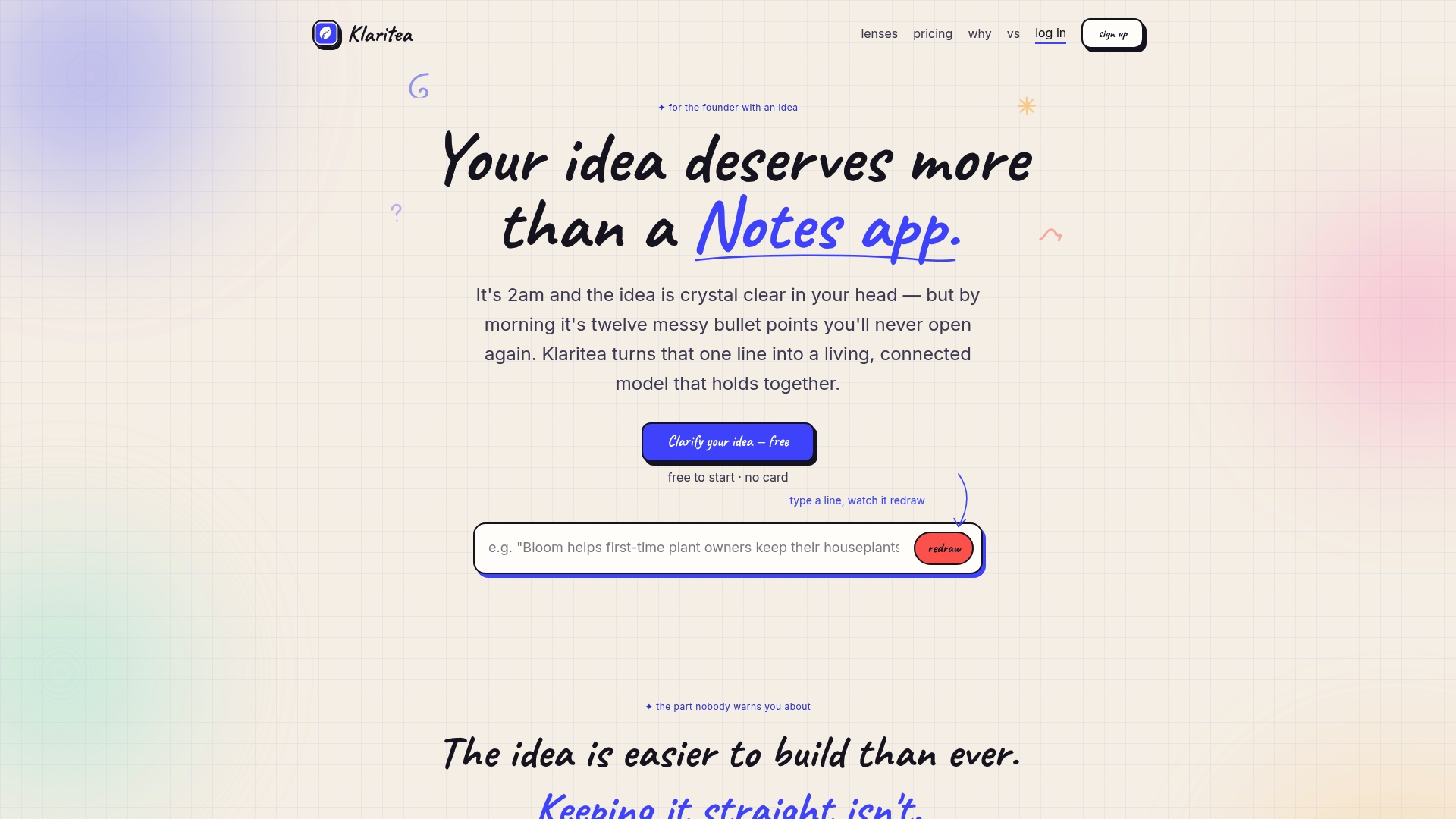
A single connected business model updates in real time as you edit it. This live linkage keeps vision, market research, and plans aligned instead of scattered across documents. Klaritea also records AI decisions so you can trace why a suggestion changed your model.
Core Features
Klaritea uses a central one liner as a single source of truth and applies multiple lenses to analyze market fit, competitors, and go to market choices. The platform records traceable AI actions with rationale logs so every recommendation links back to a documented reason. A step by step workflow moves ideas through clarify, plan, build, run, scale, understand, pitch, and scorecards.
Key Differentiator
The product links all parts of a business model into one dynamic system that updates with user edits. That linkage means a change to the value proposition propagates to assumptions, project tasks, and pitch material automatically. The traceability of edits and AI rationale keeps team conversations anchored to the same living model.
Pros
Klaritea provides a clear framework that turns fuzzy ideas into a sequence of tasks and decisions. The single source of truth reduces duplicated work by keeping market research, project plans, and pitch drafts connected. Its trace logs for AI actions add accountability so teams can review the rationale behind automated suggestions. The interface is reported as user friendly, and AI advising features aim to shorten the time it takes founders to reach clarity and avoid misplaced effort.
Cons
- May not suit complex enterprise needs; limited technical and integration details suggest the product currently targets early stage teams and solo founders.
Who It’s For
First time founders, solo entrepreneurs, and small startup teams who need a structured method to validate and plan ideas will get the most value. Teams that rely on shared documents but lack a single structured model will see the biggest drop in wasted rework. Organizations that require deep enterprise integrations may find the product limited.
Unique Value Proposition
Traceable AI actions with rationale logs tie each model change to a documented decision path. That record cuts meetings spent arguing over why a number changed and helps new team members catch up faster. For founders on tight schedules, the combination of a single source of truth and logged AI advice reduces repeated research and clarifies next steps.
Real World Use Case
A founder drafts a one liner, runs the market lenses, and receives prioritized tasks aligned to that model. When investor feedback requires a reposition, edits to the central model update the go to market plan and the pitch deck automatically. The founder spends fewer hours reconciling files and more time testing assumptions.
Pricing
Klaritea offers a Free tier plus two paid plans: Klaritea at $19/mo and Pro at $99/mo. The paid plans include TEA credits that pay for work the platform performs on your behalf.
Website: https://klaritea.app
Modeliks
At a Glance
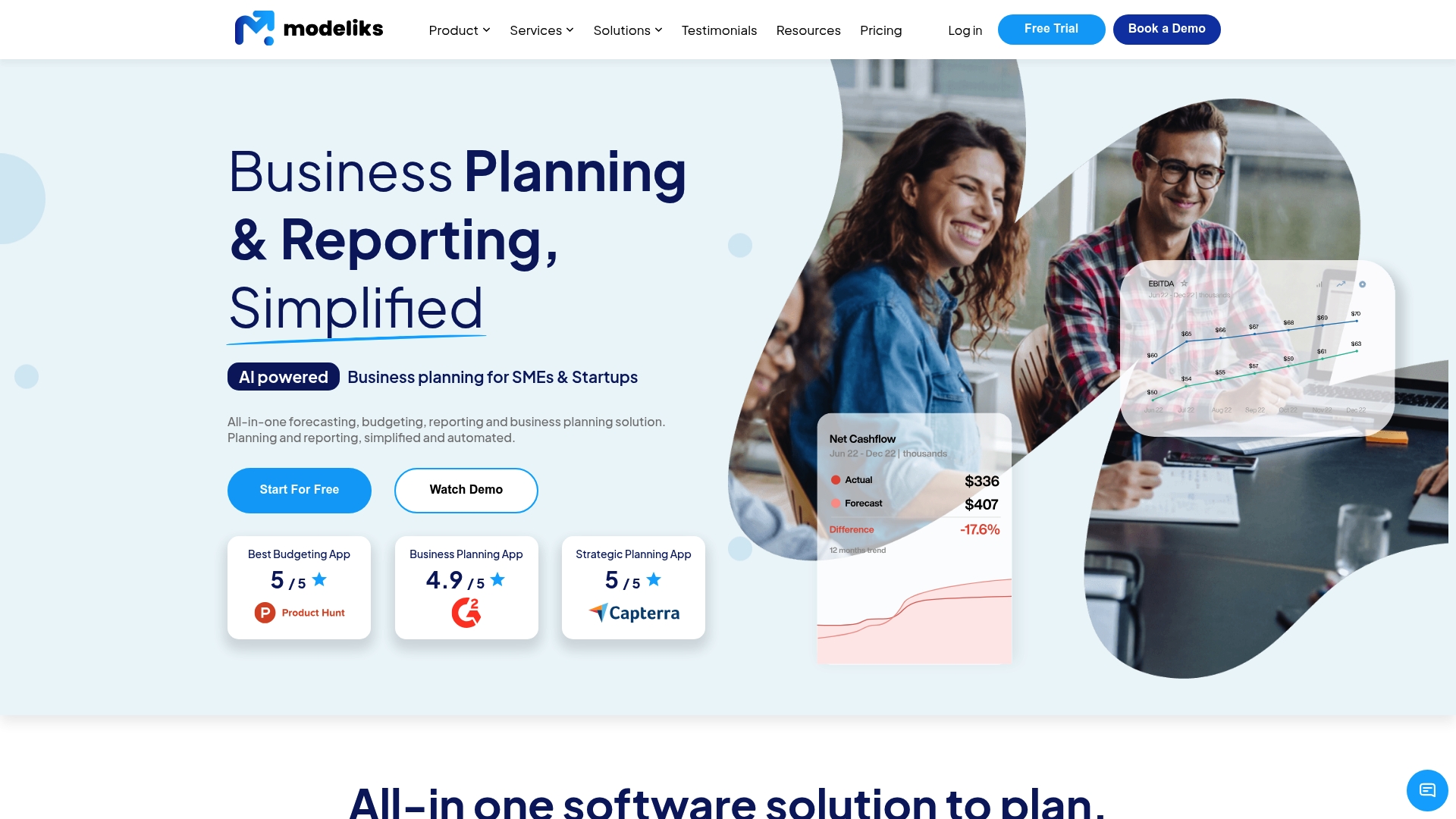
A 15 day free trial with no credit card required lets you load real data and test reporting quickly. The platform emphasizes automated financial forecasts and AI-assisted business plan generation. That combination helps teams produce investor-ready plans and regular performance reports without rebuilding spreadsheets.
Core Features
Modeliks offers driver based forecasts and industry templates that turn business assumptions into full financial statements. It automates profit and loss, balance sheet, and cash flow outputs, and supports scenario planning and advanced tax modeling. Collaborative access and built-in dashboards let teams compare plan versus actual across departments and locations in one place.
Key Differentiator
Modeliks focuses on fast, AI-assisted plan writing tied directly to live financial models and scheduled reporting. The product links narrative plan creation to numeric forecasts, so your pitch deck and financial statements stay aligned as scenarios change. That tight coupling reduces the manual effort of translating spreadsheet outputs into presentation copy.
Pros
Modeliks speeds up plan and forecast creation by combining AI drafting with automated financial formulas, which reduces manual number entry. Its automated dashboards and customizable KPIs support recurring reporting, so management gets timely visibility without rebuilding charts. The scenario tools and industry templates let finance teams model tax effects and alternate growth paths. Collaboration features and online access make it simple for distributed teams and advisors to review one shared plan.
Cons
-
May require a learning curve for people unfamiliar with financial planning concepts.
-
The platform’s depth may feel overwhelming for very small or solo users seeking simpler tools.
-
Specific pricing tiers are not publicly listed, which may require contacting sales for details.
When It May Not Fit
If you only need a one-page summary or a quick cash projection, Modeliks may provide more complexity than you need. Very small sole proprietors who prefer spreadsheet templates might find the interface heavier than necessary. Teams that require published pricing before evaluating will need to request a quote.
Notable Integrations
Modeliks integrates with QuickBooks to import accounting data and reduce manual reconciliation. That connection helps you seed forecasts with actuals so plan versus actual comparisons reflect your bookkeeping. No other third-party integrations are listed publicly.
Who It’s For
Entrepreneurs, startup founders, small business owners, educators, and financial advisors who want automated forecasting and a single place for plan text and numbers. Management teams that run monthly performance reviews or prepare investor materials will get the most value from the reporting and scenario capabilities.
Real World Use Case
A SaaS startup used Modeliks to assemble a detailed business plan and layered financial forecast within days instead of months. The team exported a pitch deck from the platform and ran investor scenarios during the same week. That pace shortened fundraising preparation and kept projections consistent across stakeholders.
Pricing
Modeliks offers a 15 day free trial with no credit card required so you can evaluate forecasts and reporting. Specific subscription tiers or per-seat rates are not specified publicly and likely require direct inquiry to sales.
Website: https://modeliks.com
Plania
At a Glance
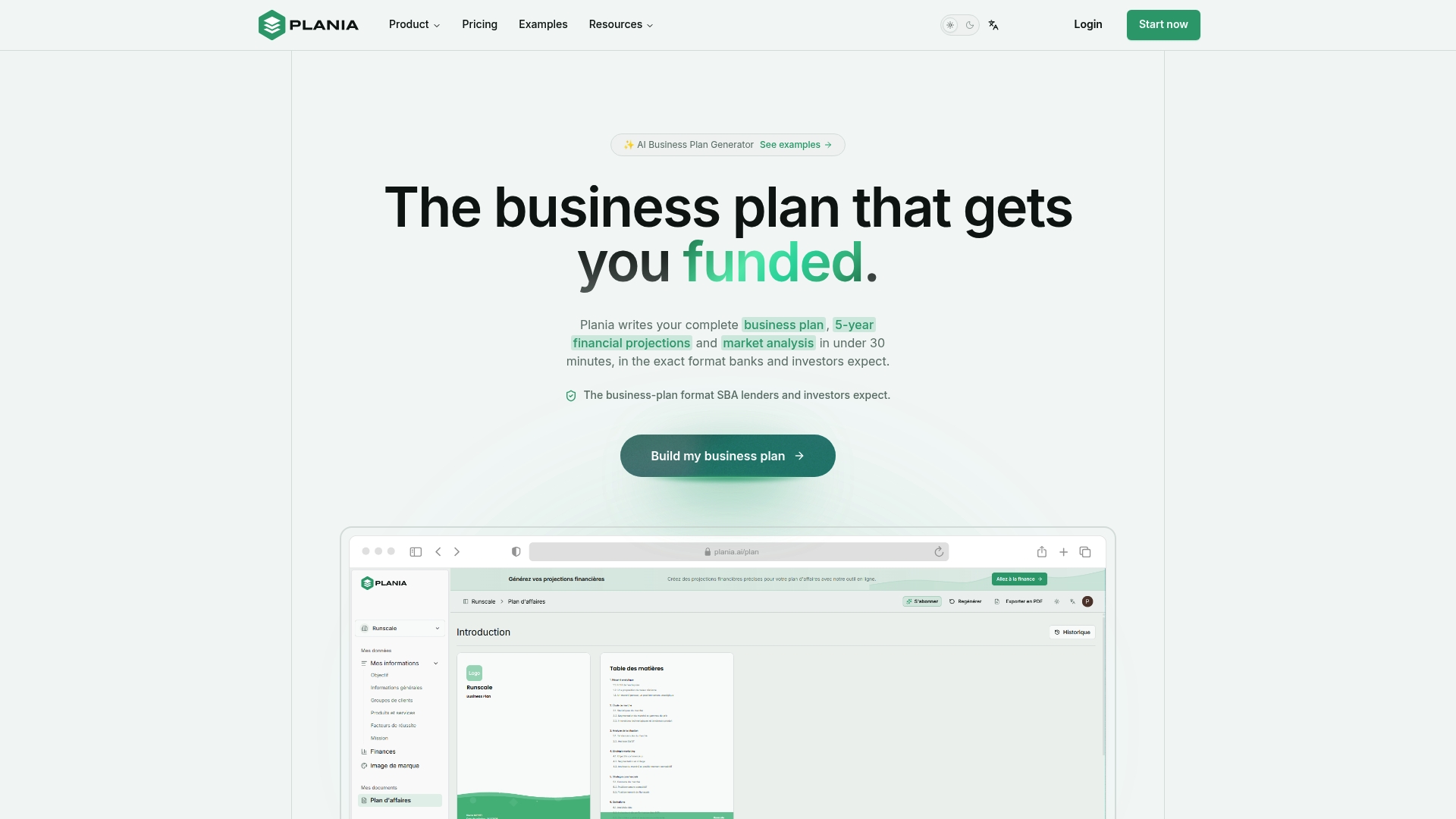
Plania’s marketing materials say it can generate a full, investor ready business plan in under 30 minutes. The platform delivers a single editable plan that includes financial projections and a market analysis. A one time payment grants lifetime access and the product includes an AI agent for ongoing guidance.
Core Features
Plania generates a full plan of roughly 30 plus pages with sections for an executive summary, product, and operations. It builds 5-year forecasts for revenue and cash flow and adds market analysis that covers competitors and customer segments. An AI editor helps refine language and the tool exports investor ready PDFs and secure shareable links for reviewers.
Key Differentiator
That time claim and a fixed $99 one time payment position Plania as an alternative to hourly consulting. The vendor emphasizes speed plus a predictable cost for a single purchase and lifetime access. That combination targets founders who need a finished plan quickly with a known budget.
Pros
Plania reduces the hours founders spend structuring a plan and drafting financials, moving the work from weeks to minutes in many cases. The fixed $99 fee removes subscription overhead and gives lifetime access after purchase. Detailed projections, a market analysis, and the AI agent let founders produce investor ready materials without hiring a consultant for straightforward plans.
Cons
-
Limited financial depth. The built in forecasts suit standard revenue models but may not cover complex accounting scenarios.
-
Input dependent. You must provide accurate assumptions for forecasts to be useful.
-
Review required. AI generated text will sometimes need manual editing to match tone or local regulatory language.
When It May Not Fit
If your business uses complex revenue recognition, multiple legal entities, or bespoke financial engineering, Plania may fall short. The quality of outputs depends heavily on the assumptions you enter, which raises risk when those assumptions are weak. Teams that need ongoing advisory work or investor negotiation support will still need a consultant in addition to this tool.
Who It’s For
Founders and small business owners who need a professional business plan quickly and at a predictable cost will find Plania useful. It suits early stage startups preparing to approach investors or banks when the model is straightforward. It also fits owners preparing loan applications or planning modest expansion who prefer a one time purchase.
Real World Use Case
The vendor reports a tech startup used Plania to secure a $500,000 investment within weeks after generating its plan. That example combined the platform’s projections and market analysis into a single document for investor review. It shows how a clear plan and numbers can shorten early investor conversations.
Pricing
Pricing is a $99 one time payment for lifetime access to the product. There is no subscription fee and no per plan charge. The fixed price makes budgeting simple for founders with limited runway.
Website: https://plania.ai
LivePlan
At a Glance
LivePlan’s marketing materials state it includes over 550 sample business plans aimed at real industries. The product targets entrepreneurs, educators, and accounting professionals who need a guided plan creation process. It connects plan forecasts to accounting data for live financial visibility.
Core Features
LivePlan delivers easy financial forecasting and a step by step fill in the blank interface that guides nonexperts through plan creation. It provides expert guidance at each stage and a large library of sample plans users can adapt. The tool also links plans to accounting systems for real time financial dashboards.
Key Differentiator
LivePlan stands out for its structured, step by step workflow combined with a deep library of industry templates. That mix reduces the guessing that often slows founders when writing forecasts. The approach benefits users who want a clear framework rather than starting from a blank document.
Pros
The interface makes business planning approachable for first time founders and small business owners, so people without finance training can complete a plan. Integration with accounting tools gives timely numbers in forecasts and simplifies monthly performance checks. The sample plans support many industries and the cloud based product receives automatic updates for new templates.
Cons
-
Limited detailed customization for complex corporate or multientity structures, which may frustrate seasoned CFOs.
-
Integrations with accounting software can require technical setup or troubleshooting for some users.
-
Pricing is not specified, so buyers must contact sales or check the site for current rates.
When It May Not Fit
If you need highly customized financial models for layered ownership or complex funding structures, LivePlan may underdeliver. Teams that require on prem software or offline first workflows will want a different option. Buyers who must see clear pricing before evaluating should expect to look elsewhere until rates are published.
Notable Integrations
LivePlan connects with QuickBooks and Xero to pull accounting data into plan dashboards. Those connections let you compare forecasted numbers with actuals without manual imports.
Who It’s For
Entrepreneurs and small business owners who prefer a guided planning process will get the most from LivePlan. Accounting professionals and educators can adapt the templates for client work or classroom assignments. Consultants who need a fast way to produce readable forecasts can also benefit.
Real World Use Case
A small retail owner builds a plan, forecasts cash flow for a seasonal ramp, and links the plan to QuickBooks to monitor sales and expenses. The owner updates assumptions monthly and watches planned versus actual performance in the dashboard. That routine cuts the time spent reconciling spreadsheets.
Pricing
Pricing is not specified. Prospective buyers must request current pricing or view the vendor site for plan and billing details.
Website: https://paloalto.com
PlanMagic Business

At a Glance
Includes industry-specific business plan templates plus automated financial projections that run inside MS Office on Windows. The package bundles editable PowerPoint pitch decks, scenario analysis, and multi-currency support. This setup favors users who build investor-ready plans and detailed forecast models in familiar Office apps.
Core Features
The software delivers tailored plan templates for many sectors alongside automated calculation sheets for forecasts and cash flow. It includes editable PowerPoint templates for investor pitches and a suite of financial analysis tools that handle multiple currencies and GAAP-compliant tax frameworks. Tooltips and built-in guidance reduce the learning curve while keeping work inside MS Office.
Key Differentiator
Its template depth plus built-in projection logic is the main distinction. The product pairs sector-specific templates with automated, realistic financial projections and presentation-ready decks so you can move from numbers to investor slides without rebuilding worksheets.
Pros
PlanMagic Business provides detailed templates that reflect long-form research and industry conventions, which speeds setup for common business types. Automated calculations and scenario tools cut repetitive spreadsheet work while keeping formulas visible and editable in Excel. The package also supports ongoing monitoring of performance through ready-made forecasting models and offers clear guidance inside each template.
Cons
-
Requires MS Office and Windows, which excludes Mac and Linux users from running the software on their native systems.
-
Templates often need manual customization for unconventional or highly niche business models. This adds setup time for unique concepts.
-
Complex industries may need paid professional support to adapt assumptions and tax settings to local rules.
When It May Not Fit
If you work on a Mac or prefer a browser-based planner, this Windows plus MS Office requirement makes the product a poor match. Firms with unusual revenue mechanics will face extra customization work. Teams that want cloud collaboration in real time will find the desktop and Office-centric workflow limiting compared with web-first services.
Who It’s For
Entrepreneurs, small and medium business owners, and consultants who prepare investor pitches, loan packages, or formal strategic plans are the ideal users. People who already use MS Office and rely on Excel for modeling will convert faster. Users looking for deep, spreadsheet-level control over forecasts will appreciate the design.
Real World Use Case
A small retail chain used PlanMagic Business to prepare investor presentations and detailed three year financial forecasts for expansion. The team edited the PowerPoint pitch template and exported Excel projections to show lenders cash flow and break even. That workflow reduced back-and-forth between design and numbers.
Pricing
Not applicable. The product listing is informational only and does not show public tiered pricing on the listing provided. Prospective buyers should visit the vendor site or contact sales for current licensing and purchase options.
Website: https://planmagic.com
Growexa
At a Glance
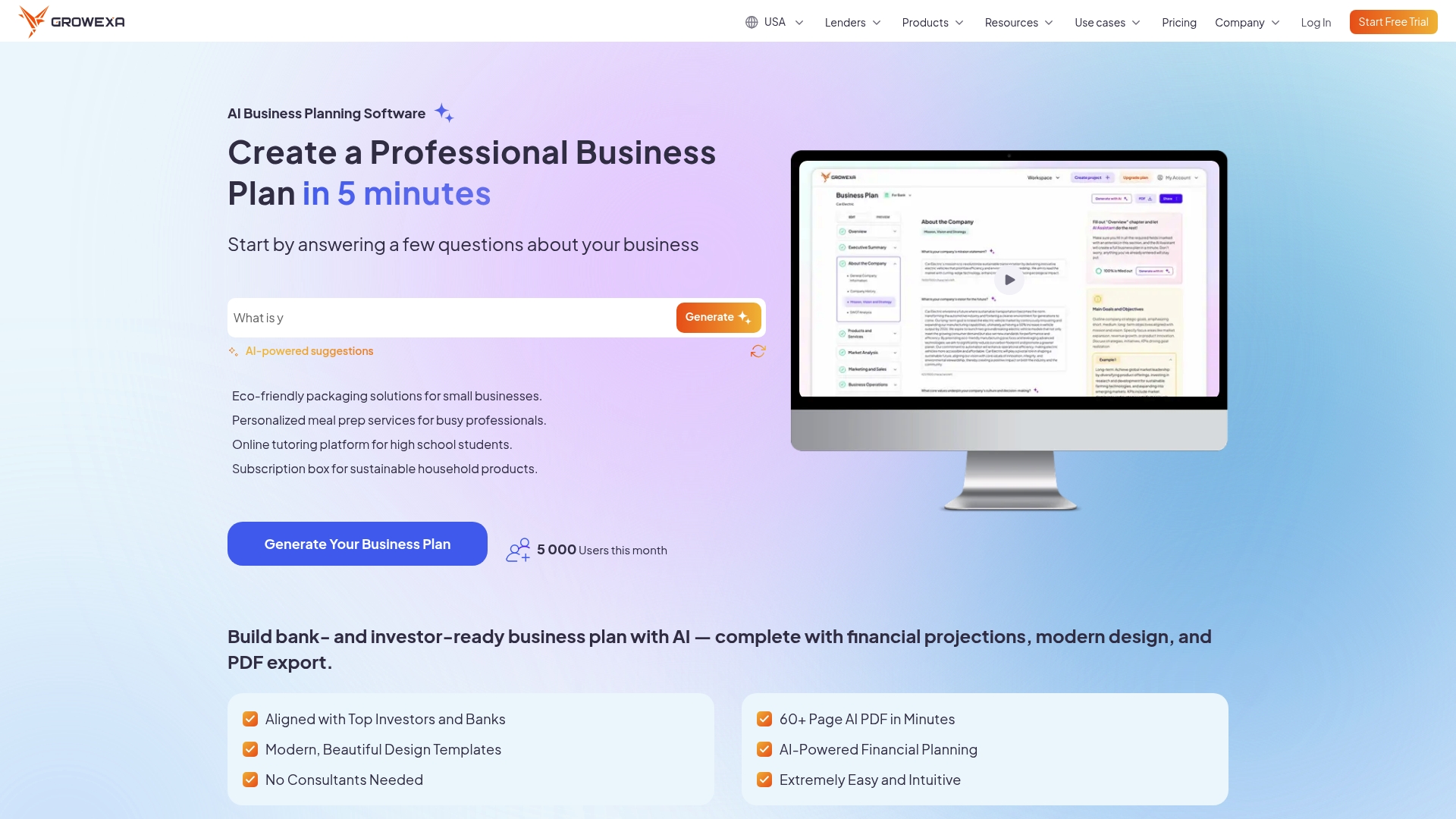
Growexa reports AI-generated 60+ page business plans in minutes. The platform produces plans formatted for bank loans and investor pitches with integrated financial sections. That structure aims to speed fundraising preparation and reduce back-and-forth with lenders.
Core Features
A guided AI builder walks you through prompts and organizes content into a lender-friendly structure while supplying industry templates and real examples. The platform produces full financial models including financial projections for profit and loss, cash flow, and balance sheet, and it creates exportable PDF reports. Templates are labeled by funding type so you can select formats for bank loans, investor decks, or quick internal pitches.
Key Differentiator
The main edge is the guided AI builder that maps plan sections and numbers to typical lender requirements. That approach focuses output on funding scenarios instead of general business writing. Users get a plan layout and forecast that match common reviewer expectations.
Pros
That speed claim helps founders move from idea to a professional plan far faster than manual drafting, which saves weeks of work. The tool aligns content to lender norms and includes financial modeling that reduces the effort of building forecasts from scratch. Templates and example plans help less experienced founders learn what lenders expect while the export options let you hand a polished PDF to bankers or investors.
Cons
-
Quality depends on the accuracy of your inputs. Poor or incomplete data produces weaker projections.
-
Customization is more limited than hiring a consultant for bespoke strategy or niche formatting.
-
The platform focuses on US, UK, and EU lender requirements, which may not fit other markets.
-
AI-generated text still requires manual review to validate assumptions and local regulatory details.
When It May Not Fit
If you need deeply bespoke financial models or industry research beyond templated examples, Growexa may feel restrictive. Organizations working with lenders outside the US, UK, or EU will likely need additional localization. Teams that require time‑tracking, project management, or multiuser workflow features should look elsewhere.
Who It’s For
Solo founders and small business owners who must prepare investor or lender-ready plans quickly will get the most value. Entrepreneurs who lack financial modeling experience benefit from the built-in projections and templates. If your goal is to produce a lender-friendly document without hiring external consultants, this matches that need.
Real World Use Case
A founder used Growexa to produce a 65 page loan application plan in under two minutes. That speed cut weeks of drafting and produced forecasts formatted for bank review. The result let the founder focus on lender conversations instead of document assembly.
Pricing
Plans start at $19/month and include a 3-day free trial. The vendor offers both one-time and subscription access options depending on how often you need plans. Additional pricing tiers or enterprise options are not publicly listed on the site.
Website: https://growexa.com
Comparison of alternatives
Klaritea excels due to its unique focus on real-time updates within a fully integrated and dynamic business model system. Entrepreneurs benefit from clearly structured workflows that align tasks and decisions under a unified framework, reducing redundant efforts and keeping the team synchronized.
Real-Time Modeling Versus Forecast Spreads
One standout feature of Klaritea is its ability to maintain real-time synchronization between various elements of a business plan. This functionality contrasts with Modeliks, which offers automatic financial statement generation and detailed performance reviews. While Klaritea centralizes strategic planning efficiently, Modeliks outshines in delivering financial clarity through its feature-rich dashboards and scenario planning tools. Teams prioritizing financial analysis with ongoing visibility into financial health may favor Modeliks over Klaritea.
Simplicity and Speed Compared Across Contenders
When it comes to speed and ease of generating investor-ready documents, Plania and Growexa present competitive options. Plania emphasizes rapid document creation with a simple interface, producing structured business plans with essential elements covered efficiently. Similarly, Growexa excels in generating lender-focused plans within minutes but possibly lacks customization depth. Klaritea, on the other hand, combines its user-friendly interface with advanced linkage capabilities, promoting both accuracy and a viewpoint.
Best fit
-
Teams prioritizing dynamic, real-time integration across all business planning elements can confidently turn to Klaritea for structured clarity.
-
Users requiring detailed financial forecasting with pre-configured templates and automated dashboard reporting will benefit from Modeliks.
-
Entrepreneurs looking for a quick, one-instance plan delivered in an easily digestible format, such as for loan applications or preliminary investor approaches, may prefer Plania.
-
Mac users or companies reliant on Microsoft-independent solutions may opt for modern web-based tools such as Klaritea over solutions like PlanMagic Business.
Our pick
For small business owners and first-time founders who seek a tool that dynamically links every aspect of their business planning process into a live, adjustable model, Klaritea is the standout choice. Its ability to update all connected components of a business plan based on real-time edits at its central conceptual core ensures consistency, reduces redundant effort, and facilitates clear decision-making. It may not fulfill the needs of established enterprises reliant on highly customized ERP systems, yet it remains the premium selection for entrepreneurs aiming to transform early-stage ideas into, plans.
Compare these business planning platforms to identify the ideal solution for your unique requirements.
| Product | Core Feature | Key Differentiator | Pricing | Limitation |
|---|---|---|---|---|
| Klaritea | Unified model linking all planning aspects | Traceable AI rational logs | Free tier; $19/mo, $99/mo | Geared towards small teams or solo users |
| Modeliks | Automated financial forecasts | Links text plans to financial models | Price not published | May feel complex for simpler needs |
| Plania | Generates full business plans in minutes | One-time fee for lifetime access | $99 one-time | Requires accurate input assumptions |
| LivePlan | Step-by-step guided planning | Industry-specific templates and guided workflows | Price not published | Lacks deep customization options |
| PlanMagic Business | Detailed templates with automated projections | Works with MS Office tools | Price not published | Requires MS Office on Windows |
How Can Founders Avoid Costly Business Plan Mistakes?
Many entrepreneurs and small startup teams struggle with scattered ideas and repeated work when building their business plan. Klaritea solves these challenges by turning your one-liner idea into a connected, structured model. This approach keeps your target market, competitors, features, and requirements aligned in real time, cutting down wasted effort and confusion.
Klaritea features:
-
AI advisory board that researches and challenges your assumptions
-
Easy lenses to view and update your plan’s clarity and build specs
-
Automatic updates of pitch materials and project tasks
Explore Klaritea today and reduce costly guesswork before investing time and money. Submit your one-liner idea and see how your business model updates instantly.
FAQ
What makes Klaritea a suitable choice for early-stage teams?
Klaritea offers a structured method to validate and plan ideas specifically designed for first-time founders and small startup teams. Its features, including a single connected business model and step-by-step workflow, help teams streamline their tasks and decisions. This structured approach allows users to avoid wasted rework and maintain focus on their goals.
How does Klaritea compare to Modeliks regarding financial forecasting?
Modeliks excels in providing automated financial forecasts and AI-assisted business plan generation, making it ideal for teams needing detailed financial insights. Klaritea, on the other hand, prioritizes the dynamic linkage of all parts of a business model, making it better suited for those seeking to clarify vision and align various components. This means teams choosing Modeliks will focus on financial details, while Klaritea is better for broader strategic alignment.
What feature helps Klaritea reduce duplicated work?
Klaritea’s single source of truth minimizes duplicated work by connecting market research, project plans, and pitch drafts all in one place. This interconnectedness ensures that any changes made in one area automatically update related components, keeping everything aligned and consistent.
Can teams using Klaritea benefit from AI suggestions?
Yes, Klaritea records AI decisions with rationale logs, allowing teams to understand the suggestions made and promoting accountability. This traceability helps teams review automated recommendations and make informed decisions based on documented reasons.
What is the key advantage of using Klaritea for pitch material preparation?
Klaritea’s integration ensures that any adjustments to the value proposition automatically propagate to related pitch materials, which simplifies preparation and enhances consistency. This connection helps founders maintain an up-to-date and cohesive presentation for potential investors.